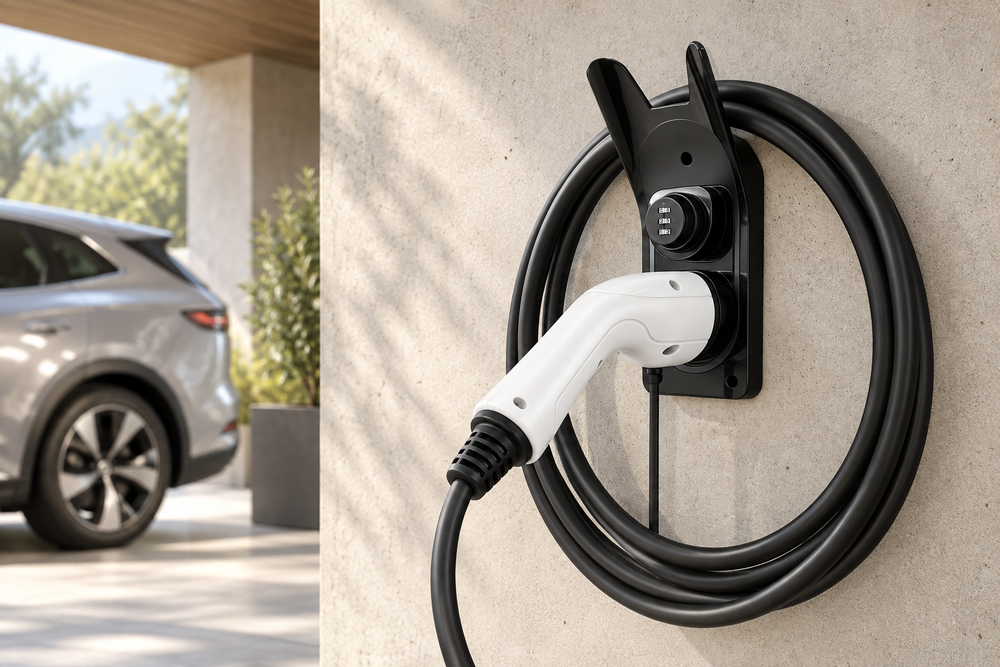
The right Type 2 charging cable holder depends on what you need to store: the connector alone, the cable and its plug, or both with a lock while not in use. First check the shape of your handle, the weight of the cable and the space available. The Type 2 name alone does not guarantee that every holder will fit.
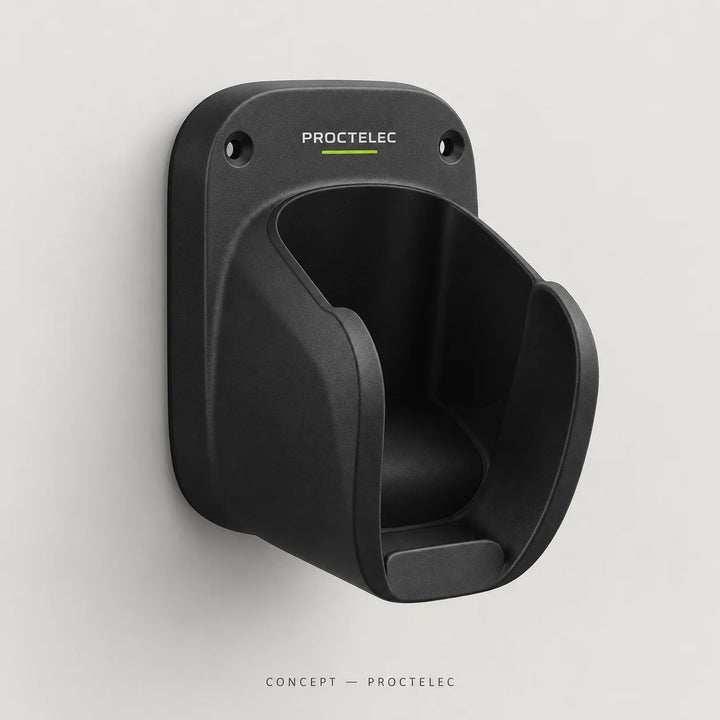
- A place for the plug: Dock T2 connector holder.
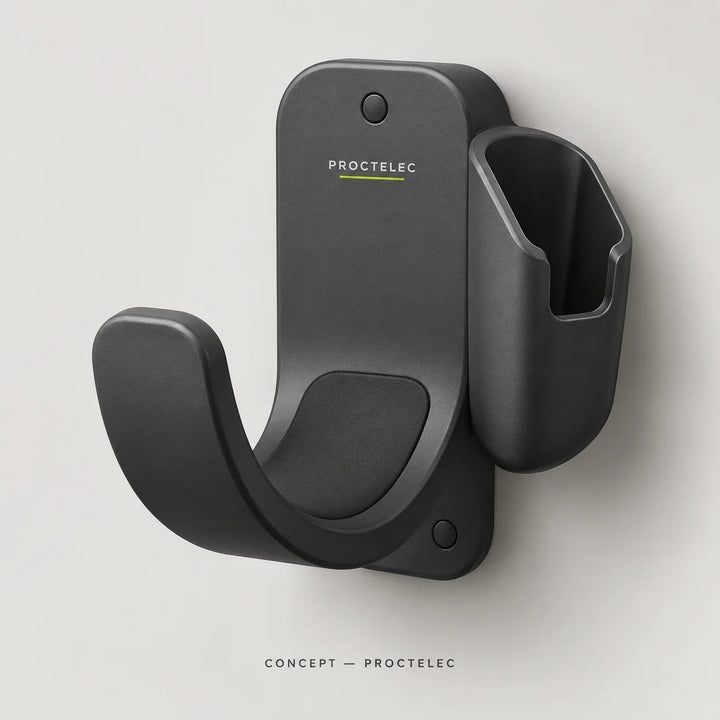
- The cable and its plug in one place: Loop T2 wall storage.
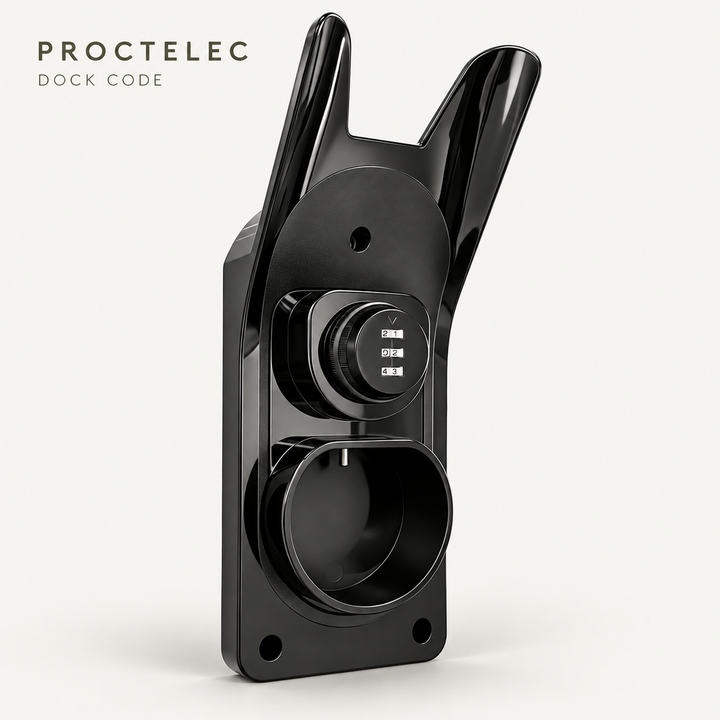
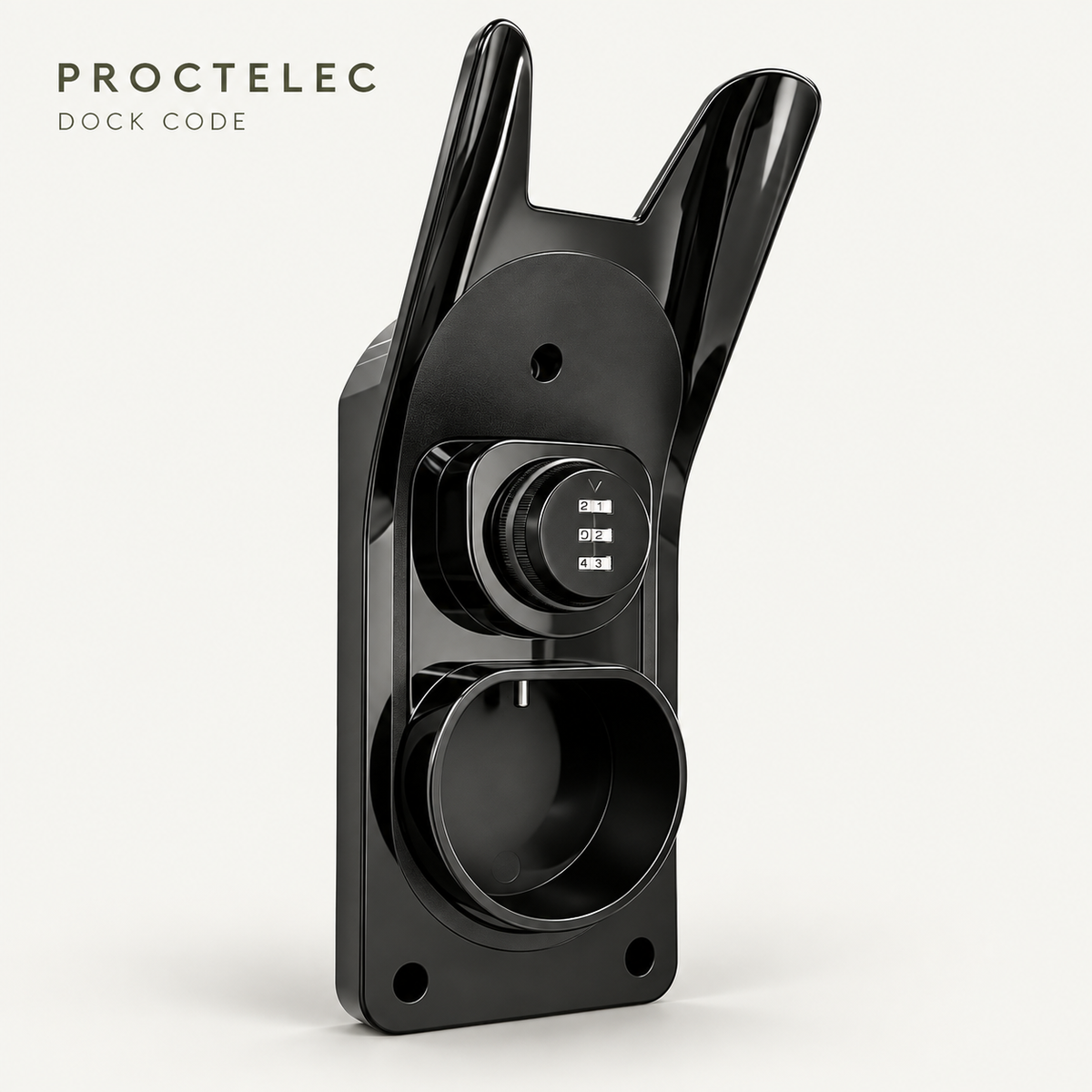
- A stored connector held by a combination lock: Dock Code.
- The detachable cable in the boot: Carry bag.
A storage holder does not automatically protect against theft and does not lock the plug during charging.
Identify what you want to store
After charging, where do the connector and the length of cable end up? If the plug ends up on the floor while the cable already has a storage point, a connector holder may be enough. If loops pile up in front of the charger, you also need a place for the cable. This distinction avoids buying an accessory that only solves half the problem.
A detachable cable can be stored elsewhere when not in use. A cable attached to the charger stays in the same place: the wall storage must then be reachable without pulling on the cable exit. In a shared garage, also consider how easily a passer-by could remove the connector.
For transport, the need is different. The aim is to keep an unplugged cable in a dedicated spot in the boot. A bag is neither a charging holder nor an anti-theft device. It may complement your home storage if you regularly take your cable with you.
Comparing Dock T2, Loop T2, Dock Code and Carry
| Solution | Main use | Deciding factor before buying |
|---|---|---|
| Dock T2 | Give the unplugged Type 2 connector a place of its own. | Shape of the handle and room for handling. |
| Loop T2 | Store the cable and its Type 2 connector on the wall. | Weight, length and bend radius of the cable. |
| Dock Code | Store the Type 2 connector with a mechanical combination lock. | Use while idle and compatibility with the handle. |
| Carry | Carry and store an unplugged cable in the boot. | Usable volume, size of the plugs and closing without squashing. |
Compare prices and availability directly on the product pages, which remain the reference for ordering. Choose the function you need first: paying for a lock brings nothing if your only problem is a plug left on the floor in a closed space.
Five compatibility points to check
The connector standard
Identify the plug from its model reference and the manual. Do not assume that a Type 2 holder is compatible with a J1772 plug, also called Type 1, or with an NACS or CCS connector. For a J1772 installation, the relevant range includes the Dock J holder. A resemblance in a small photo is no substitute for this check.
The outer shape of the handle
Two Type 2 connectors can have handles of different sizes. Look at the shape of the body, the position of any ridges and the space around the holder’s slot. Check that the plug can go in and come out with the intended movement, without forcing. If in doubt, ask for confirmation for your cable’s model.
Cable length and weight
A wall storage solution must suit the load it will carry. Compare your actual cable with the documented specifications of the holder and its fixing. Do not infer a maximum length from a photo in which the cable looks short. If the permissible load is not stated, have it confirmed before choosing.
Bends when stored
Allow for generous loops in line with the cable manual. A holder must let you hang up the cable without tight kinks near the handle or the charger’s cable exit. Do not try to fit in more length by squeezing the loops: choose a storage solution of a suitable size instead.
The wall and exposure conditions
The strength of the whole assembly also depends on the wall and the anchors. Check the type of wall and the stated installation conditions. An accessory shown in a garage is not necessarily approved for every outdoor exposure. The materials, fixing and instructions for the chosen model are what count.
Driving a Tesla Model Y or Model 3? The holders suited to its Type 2 connector, and what to check on the handle, are gathered in our Tesla charging accessories.
Choosing a genuinely practical location
Before installing, observe your usual route between the charger and the vehicle. The storage must remain easy to reach once the car is parked. A free spot on the wall can become unusable if an open car door, a bike or a shelf gets in the way when handling the connector.
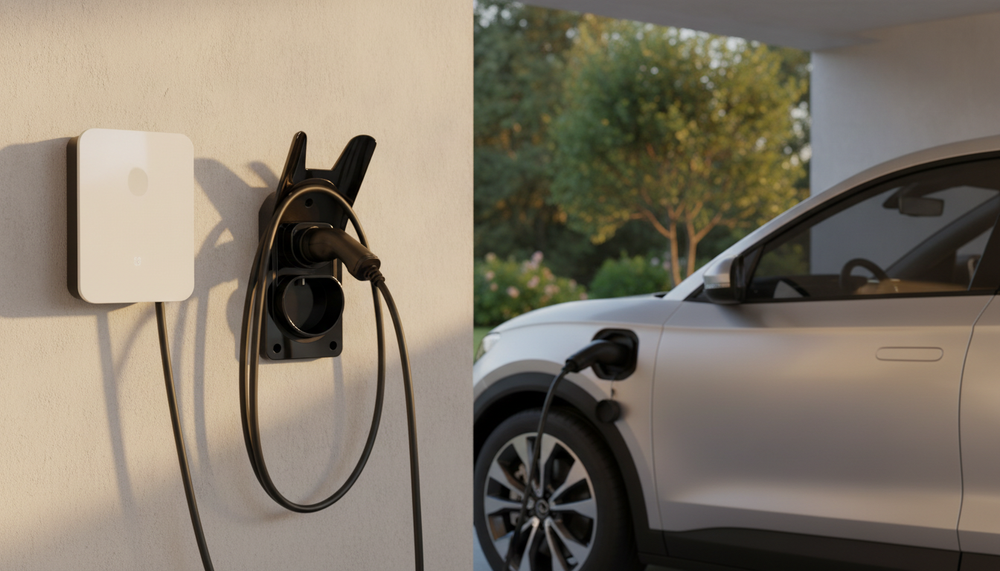
Picture two positions: the cable stored and the cable in use. When stored, the loops must not block the way. During charging, the cable must reach the vehicle without being pulled taut by the storage. Do not place the holder so that the cable has to be trapped under a door to reach the car.
If several people use the equipment, look for a height and position suited to how they move. There is no universal height that suits every garage and every user. On a shared site, have accessibility and routing reviewed with the installer or the site manager.
For installation, first identify the wall’s constraints and any nearby utility lines. Do not use a generic drilling template for a different model. Use the specified fixings and have a competent person adapt them when the wall is uncertain.
When should you choose a wall holder with a combination lock?
Locking while idle concerns an unplugged connector held in its slot. This is what Dock Code is for: the Type 2 plug is stored on the wall and held by a mechanical combination. This function may be useful in an accessible space where you want to discourage opportunistic removal between sessions.
It is not the same as locking the plug in the vehicle or charger during charging. Nor does it prevent an attempt to cut an accessible part of the cable. If your problem is a cut cable, our guide to cut-resistant protection covers a different need.
Storage must remain simple for authorised users. Decide who knows the code and how to update it when users change. Do not display the combination next to the holder. No certified break-in resistance or guarantee against theft is claimed for Dock Code.
A storage routine that is easy to keep
- End the session and unplug according to the vehicle and charger manuals.
- Look at the visible condition of the cable and the handle.
- Follow the manufacturer’s care instructions if the equipment is dirty or wet.
- Hang the cable in generous loops on the storage provided.
- Place the connector in its holder and engage its retention if the model has one.
For a cable carried in the car, check that it fits in the bag without squashing the connectors. Take it out of the bag before any use; the bag is for storing the unplugged cable. If you notice a crack, crushing or a damaged part, stop using it: see our guide to damaged charging cables.
Charger manufacturers also address connector storage. For example, the Wallbox eM4 safety instructions provide for the use of its connector holder. Follow the manual for your own equipment; this example does not validate a third-party accessory on every charger.
Mistakes that lead to the wrong purchase
- Choosing on the word “anti-theft” alone: distinguish retention while idle, locking during charging and protection against cutting.
- Confusing a plug holder with a cable hanger: make sure the storage covers both if that is what you need.
- Assuming universal compatibility: note the standard and the model reference of the handle.
- Forgetting the wall: the choice of accessory and the choice of fixings must be consistent.
- Allowing too little space: think about handling and cable loops, not just the width of the holder.
Frequently asked questions before choosing
Does a Type 2 holder charge the car?
The holders presented in this guide are storage accessories. They do not replace a charger and add no electrical charging function.
Can I use the same holder for two cables?
Do not assume so. You need to check the number of slots, the permissible load and the space available. Two plugs stacked on top of each other or forced loops can make the storage awkward to use.
Do I need a wall holder and a bag?
The two can complement each other if you use your cable both at home and on the road. The holder organises the charging area; the bag organises the boot. If the cable stays attached to the charger, a bag is less useful.
Does a combination lock holder protect a cable during charging?
Dock Code is used when the connector is unplugged and stored. For a charging session in progress, check the features provided by the car and the charger. Our guide to preventing cable theft explains these situations.
Find the right storage for your cable
Know your connector and what you need it for? Compare the storage solutions, then check the handle, the cable and the fixing on the chosen product page.