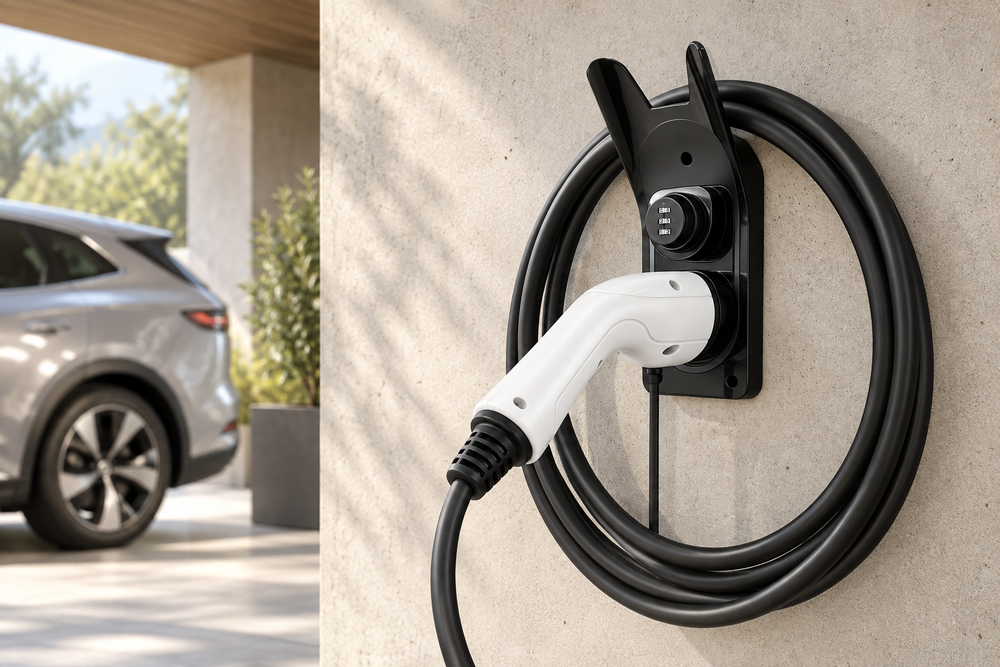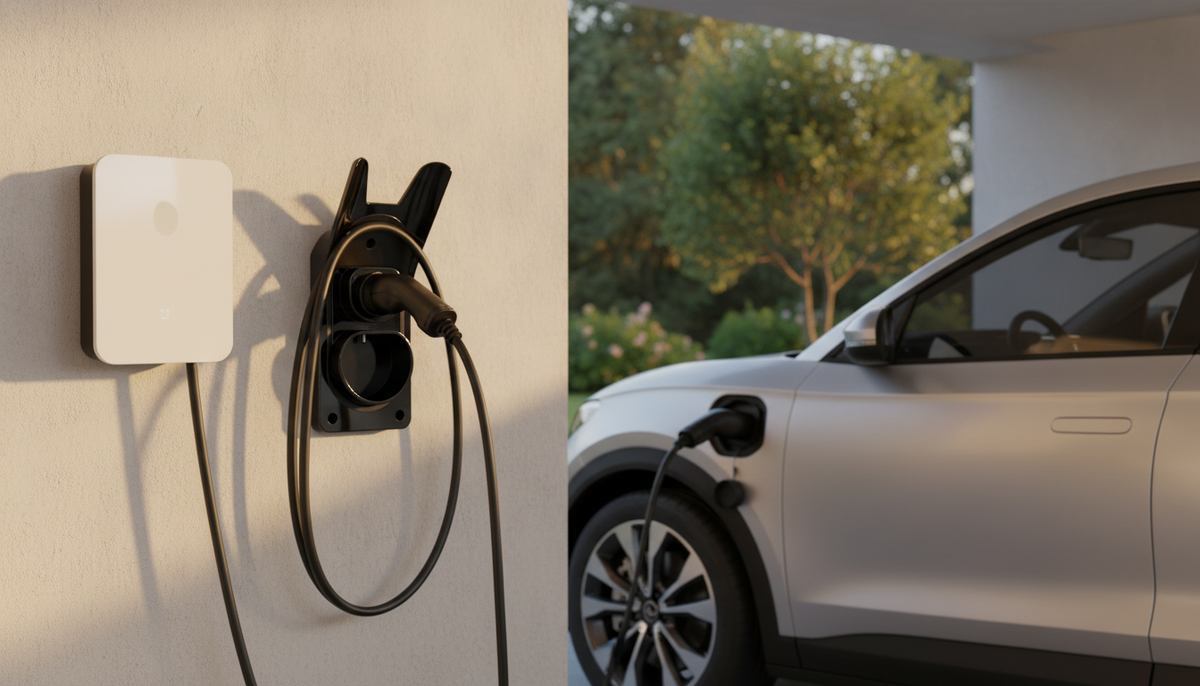
A charging cable left lying on the ground wears out, gets dirty and ends up getting in the way. Done well, EV charging cable storage takes a few seconds after each session and protects your equipment. Here are seven ways to store your electric car’s charging cable, in the garage, outdoors or in the boot, with their advantages and limits.
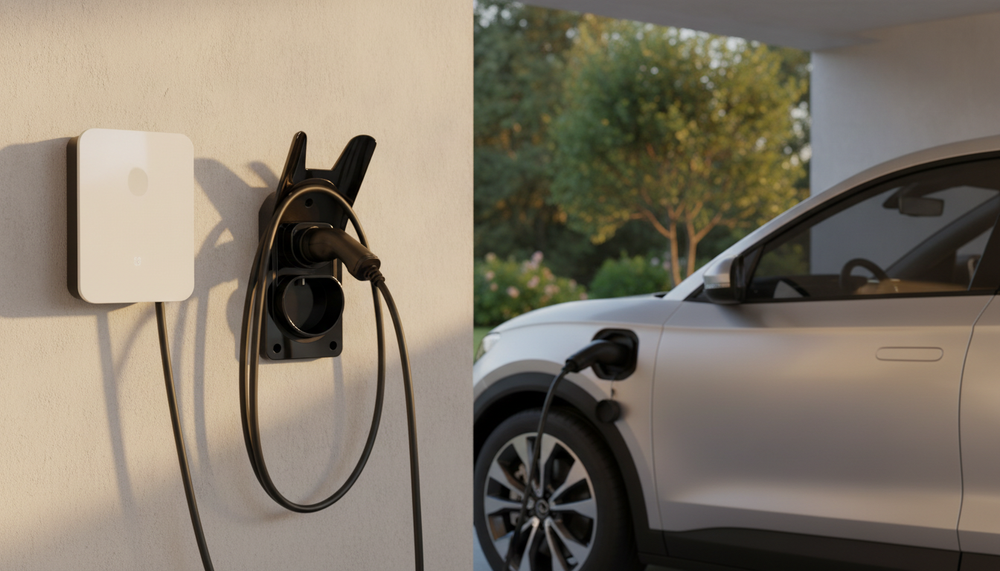
- Cable tethered to the charger: a wall holder for the connector, or for both the cable and the connector.
- Detachable cable that travels with you: a storage bag in the boot.
- Charger accessible to other people: a combination-lock holder for the connector when not in use.
- Cable reel: Proctelec does not sell them; read our precautions before choosing one.
Why store your electric car’s charging cable?
A cable left on the ground suffers daily wear it was never designed for: wheels rolling over it, abrasion, puddles, dust in the connector. The handle drops, hits the ground and its pins get dirty. In a garage or on a driveway, the cable also becomes an obstacle for pedestrians, bikes or the lawnmower.
Good storage meets four goals: protecting the cable and connector, keeping the space clear, finding the equipment ready to use and, where needed, making opportunistic removal harder. No holder can repair a damaged cable: at the first sign of visible damage, see our guide to a damaged or cut charging cable.
The golden rules of good cable storage
- Wide loops: respect the bending radius given by the cable manufacturer, with no tight kink near the handle.
- No strain on the charger outlet: the cable’s weight should rest on the holder, not on the cable gland.
- A connector stored in its place: in a suitable holster, away from puddles and dust.
- Out of the way: not on the floor, and not across a doorway or a path.
- Fixings suited to the wall: the screws and plugs depend on the surface (concrete, block, plasterboard, wood).
7 ways to store an EV charging cable
1. A wall holder for a Type 2 connector
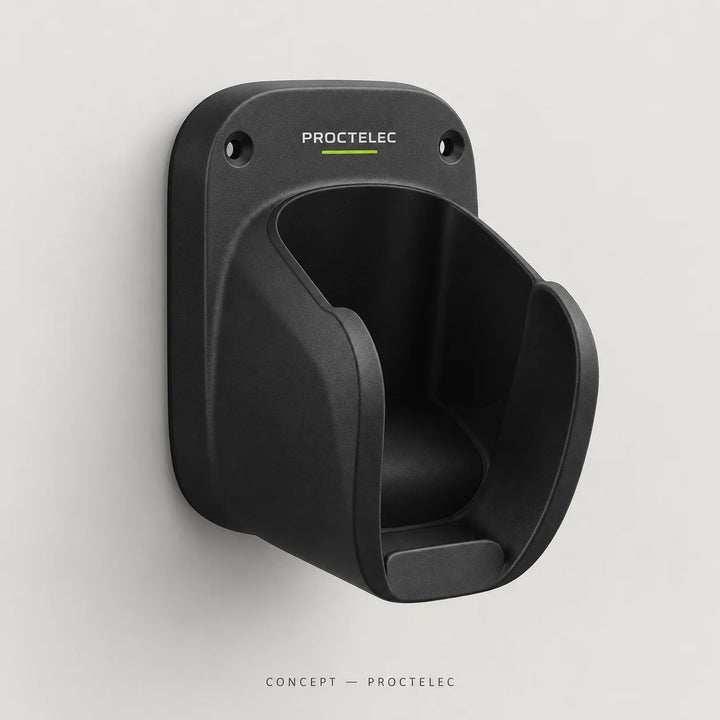
This is the simplest solution when the cable stays attached to the charger. The Dock T2 (€24.90) gives the unplugged Type 2 connector a fixed place at hand height. The connector no longer drags on the ground and stays clean. Many wallboxes already have a built-in holster of this kind: a separate holder becomes useful when it is missing, badly placed or when you want to store the plug closer to the car.
2. A wall holder for a J1772 cable and connector
The J1772 standard, also called Type 1, does not have the same shape as Type 2. The Dock J (€39.90) is designed for this connector and its cable. If you use a J1772 adapter, the Lock J adapter lock (€24.90) is designed specifically for it, subject to compatibility.
3. A wall holder for the charging cable and connector
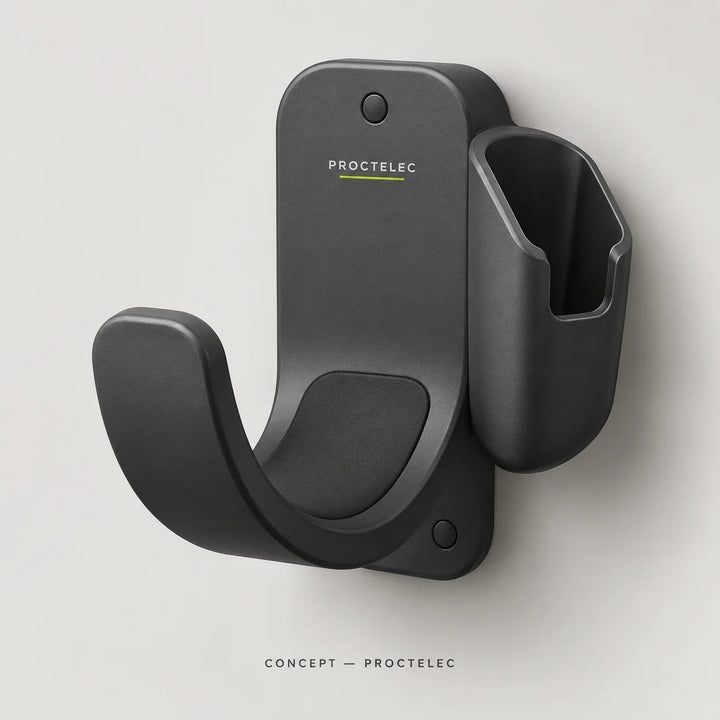
When loops of cable pile up in front of the charger, you also need to store the length. The Loop T2 (€34.90) holds both the Type 2 cable and connector on the wall. Compare your cable’s weight and length with the figures on the product page before choosing.
4. A wall holder with a combination lock
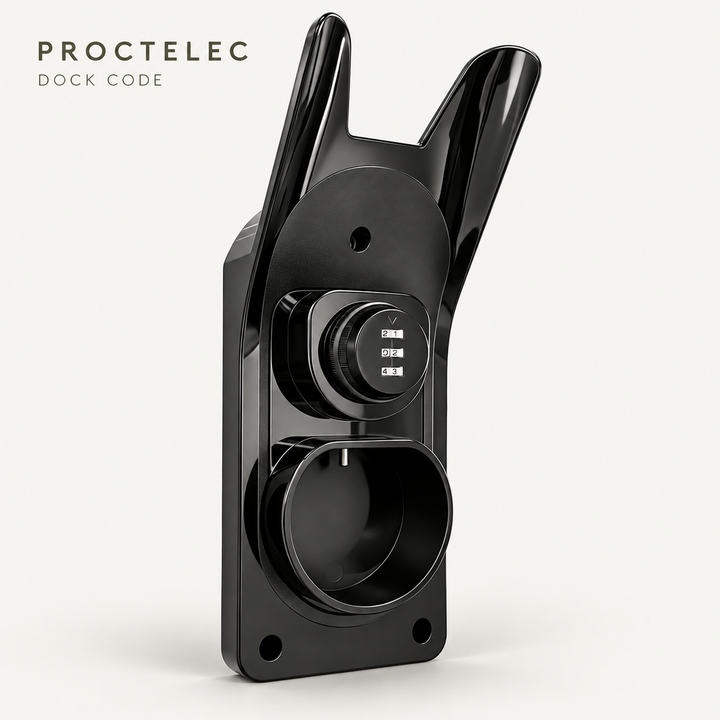
In an open yard, a shared car park or a driveway visible from the street, the Dock Code (€39.90) retains the stored Type 2 connector with a 3-digit mechanical combination. It works when the cable is not in use, not during charging, and does not prevent an attempt to cut the cable. No certified break-in resistance is claimed.
5. A charging cable bag for the boot
For a detachable cable, the Carry bag (€44.90) stores it unplugged in the boot, without it sliding around or dirtying your luggage. Always take the cable out of the bag before charging: never charge with the cable coiled inside its bag. If the cable is wet, let it dry according to the manufacturer’s instructions before closing the bag.
6. A charging cable reel: choose with care
Proctelec does not sell cable reels. If you are thinking of buying one elsewhere, check three points. First, the winding must respect the cable’s bending radius. Next, the load rating of the reel and its fixings must suit the actual weight of the cable. Finally, check the cable’s manual: a cable left coiled during charging can heat up more, and some manufacturers require it to be fully unwound. And never use a household extension cable reel to charge a car.
7. A floor cable protector during charging
Storage also covers the time when the cable is in use. If it crosses a driveway or a private path during charging, the Pass cable protector (€109.90), with three channels, helps route it and flag the obstacle. Choose it according to the channel diameter, the layout and the loads stated on the product page.
Storage solutions compared
| Solution | Cable type | Where | Anti-theft retention | Price |
|---|---|---|---|---|
| Dock T2 | Type 2 connector | Wall, near the charger | No | €24.90 |
| Dock J | J1772 cable and connector | Wall | No | €39.90 |
| Loop T2 | Type 2 cable and connector | Wall | No | €34.90 |
| Dock Code | Type 2 connector | Wall, accessible area | Yes, when not in use, 3-digit code | €39.90 |
| Carry bag | Detachable cable, unplugged | Boot | No | €44.90 |
| Cable reel | Depends on the model | Wall | Depends on the model | Not sold by Proctelec |
| Pass | Cable in use | Floor, walkway | No | €109.90 |
To check whether a Type 2 holder suits your handle, your cable and your wall, see our dedicated guide: how to choose a Type 2 cable holder.
Which solution for your situation?
Private garage, cable tethered to the charger. The Loop T2 stores the length, and the Dock T2 gives the connector a place if you need a second storage point. The set-up stays simple and quick.
Outdoor charger on a driveway. A wall holder keeps the connector out of puddles. Add the Shelter canopy if the wall is exposed to rain, and see our guide to protecting an outdoor EV charger.
Shared car park or apartment building. The Dock Code retains the connector when not in use. Decide who knows the code and how to change it when users change. For several parking spaces, request a professional quote.
Cable that travels with the car. The Carry bag keeps the boot tidy. To secure an accessory, the Tether accessory security cable (€29.90) can complete the set-up, provided you have suitable anchor points and never squeeze the electrical cable.
Charging from an outdoor socket? Our guide to charging from an outdoor socket covers protecting the socket and your Mode 2 cable. Driving a Tesla? See our Tesla charging accessories, including for the Wall Connector and Mobile Connector.
Storage mistakes to avoid
- Coiling the cable tightly around your arm or around a hook that is too small.
- Hanging the cable’s full weight from the handle or from its charger outlet.
- Storing a wet or muddy cable in a closed bag.
- Leaving the connector dangling at wheel or car door height.
- Using a holder designed for a different connector standard.
EV charging cable storage: frequently asked questions
How do you store a Type 2 charging cable on the wall?
Choose a suitable wall holder: a holster for the connector alone, or a holder for both the cable and connector. Hang the cable in wide loops and check that the fixings suit your wall.
Do you need a cable reel to store a charging cable?
It is not essential. A wall holder is enough in most cases. If you choose a reel, check the bending radius, the permitted load and the cable’s manual; Proctelec does not sell them.
Can you leave the charging cable in the boot?
Yes, for a detachable, unplugged cable. A bag such as Carry stops it sliding around and dirtying the boot. Always take it out of the bag before charging.
Does a wall holder protect the cable against theft?
A standard holder does not. The Dock Code retains the Type 2 connector with a code when not in use, without guaranteeing that it cannot be stolen or preventing it from being cut. Our guide to EV charging cable theft details the options.
How do you store a charging cable in freezing weather?
Cold makes the sheath stiffer. Do not force the loops, keep a generous bending radius and avoid bending the cable over an edge. Let it regain its flexibility rather than twisting it.
Store your cable in seconds
Type 2 or J1772 wall holders, a combination-lock holder and a carry bag: compare the solutions, then check your connector’s shape on the product page you choose.
Not sure about compatibility? Send us a photo of your connector.